MEPCO Online Bill Check 2026 – Complete Step-by-Step Guide
MEPCO Online Bill Check 2026 makes it easy for electricity consumers in South Punjab to view their latest electricity bills without waiting for a printed copy. You can check your bill amount, due date, electricity units, and other charges using the reference number printed on a previous bill. You can also download a duplicate bill, save it as a PDF, or print it for your records.
This guide explains how to check your MEPCO bill online, find your reference number, understand important bill details, and resolve common problems.
How to Check MEPCO Online Bill Check 2026
Checking your electricity bill online is straightforward. The official MEPCO bill service is available through the Power Information Technology Company (PITC) website.
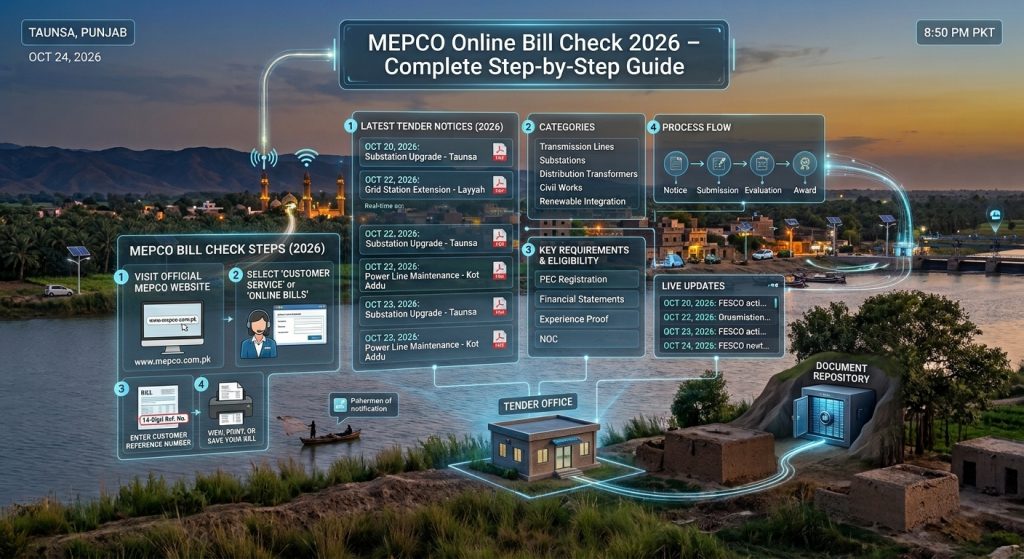
Follow these steps to view your latest bill:
- Open the official bill website: Visit MEPCO Web Bill.
- Find your reference number: Take an old MEPCO bill and locate the 14-digit reference number.
- Enter your details: Select Reference No and enter the required digits. If the portal offers a Customer ID option, you can use that instead.
- Click Search: Submit the information to retrieve your bill.
- Review your bill: Check the consumer information, total amount, billing month, and payment deadline.
- Download or print: Use your browser’s print option to save a PDF or print a physical copy.
Always verify the consumer name and address before using the bill for payment.
What Do You Need to Check Your MEPCO Bill?
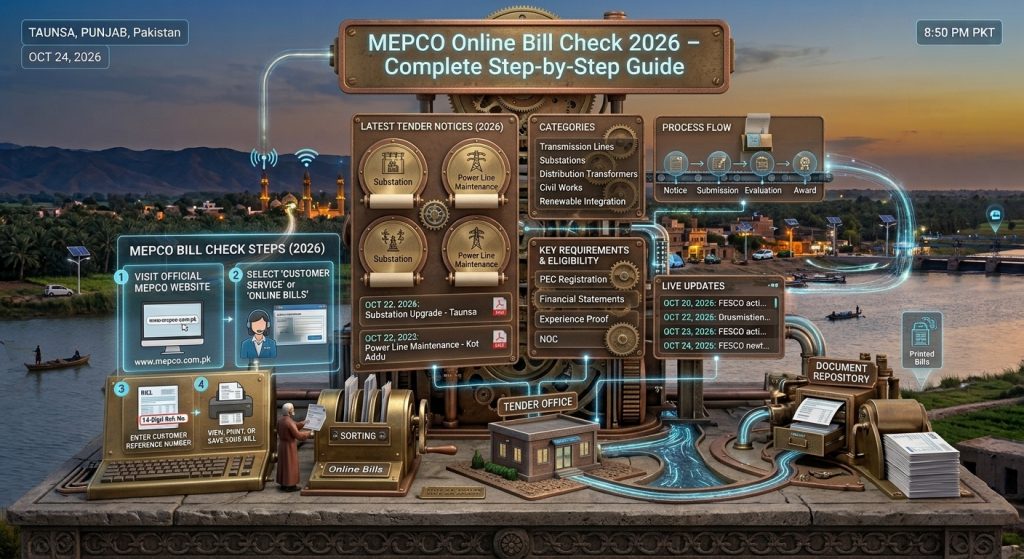
You generally need a reference number from a previous electricity bill. Keep an old printed bill or a clear photograph of it available.
The main details you may need include:
- Reference number: A 14-digit number associated with your electricity connection.
- Customer ID: An alternative identification number accepted by the portal when that search option is available.
- Internet connection: A mobile data or Wi-Fi connection to access the online service.
- Mobile phone or computer: Any device with a modern web browser.
You normally do not need to create an account simply to view your bill through the official web portal.
Where to Find Your MEPCO Reference Number
Your reference number is usually printed near the top of your previous electricity bill. Look for the section labelled “Reference No” or similar wording.
The number may be displayed in separate groups to make it easier to read. Enter the digits according to the portal’s instructions, without adding unnecessary spaces or dashes. If a letter such as U or R appears after the number, follow the form’s instructions for selecting the correct connection type.
Keep your reference number somewhere safe so you can check future bills more quickly.
If you have lost every previous bill, contact MEPCO customer support or visit the relevant customer service centre to ask how to retrieve your billing details.
How to Download a MEPCO Duplicate Bill in PDF
A duplicate bill is useful when your printed bill has not arrived, has been misplaced, or has become damaged. You can usually obtain a current copy through the online bill portal.
Follow these steps:
- Open the official MEPCO bill portal.
- Enter your reference number or use the available Customer ID option.
- Search for your current electricity bill.
- Check the amount payable and due date.
- Select the print option in your browser.
- Choose Save as PDF as the destination, if available.
- Save the file to your phone or computer.
You can later open the saved PDF whenever you need to review the bill or print another copy. Remember that an online duplicate does not automatically mean the bill has been paid.
How to Read Your MEPCO Electricity Bill
Understanding the main sections of your bill helps you manage your electricity expenses and identify possible errors.
Consumer information: This section identifies the connection and may include the consumer’s name, address, reference number, and tariff details.
Billing month: Shows the period covered by the electricity bill.
Units consumed: Indicates the electricity used during the billing period, generally measured in kilowatt-hours (kWh).
Meter readings: The previous and current readings help determine how much electricity you consumed.
Electricity charges: These reflect applicable tariff rates and consumption-related charges.
Taxes and adjustments: Depending on the applicable rules, your bill may include taxes, government charges, fuel price adjustments, or other approved adjustments.
Due date: The deadline for paying the bill without the applicable late-payment consequences.
Total amount payable: The amount due according to the bill, which may differ after the due date if additional charges apply.
If a reading, charge, or consumer detail appears incorrect, compare it with your meter and previous bills before contacting MEPCO.
Which Areas Can Use MEPCO Online Bill Check?
MEPCO, or Multan Electric Power Company, supplies electricity to numerous areas of South Punjab. Its service area includes Multan, Bahawalpur, Bahawalnagar, Dera Ghazi Khan, Khanewal, Layyah, Lodhran, Muzaffargarh, Pakpattan, Rahim Yar Khan, Rajanpur, Sahiwal, and Vehari.
Consumers should confirm the electricity distribution company printed on their bills because nearby areas can fall under different distribution companies.
If your bill is issued by MEPCO, use the official MEPCO bill portal. For additional guidance, visit MEPCO Online Bill.
Common MEPCO Bill Check Problems and Solutions
Sometimes your bill may not appear immediately. Try these troubleshooting steps before assuming there is a problem with your connection.
Incorrect Reference Number
Check every digit against your previous bill. Avoid entering extra spaces or confusing the reference number with another identification number.
Latest Bill Is Not Available
The new bill may not yet be available in the online system. Try again later or contact MEPCO if the issue continues.
Website Is Not Loading
Check your internet connection, refresh the page, or open the portal in another browser. You can also try again during a less busy period.
Wrong Consumer Details
If the displayed name, address, or connection information does not match your records, contact MEPCO before relying on the bill for payment.
Bill Amount Appears Too High
Compare the current and previous meter readings, units consumed, tariff details, and additional charges. If the amount still appears incorrect, submit a billing complaint through an official MEPCO channel.
How to Pay Your MEPCO Electricity Bill
After checking your bill, use an authorized payment method available to you. Depending on the provider and your account, options may include mobile banking, internet banking, ATMs, bank branches, or supported payment services.
Before confirming a digital payment, verify the bill details and the amount displayed by your payment provider. Keep the transaction receipt or confirmation message as proof.
Never share your banking PIN, password, or one-time password with someone claiming to help you check or pay your bill. Use official services and trusted payment channels.
Frequently Asked Questions
1. How can I check my MEPCO bill online in 2026?
Visit the official MEPCO Web Bill portal, enter the reference number from a previous bill, and click Search. If the portal provides a Customer ID option, you may use that instead.
2. Can I check my MEPCO bill without a reference number?
You may be able to use your Customer ID if the portal supports it. Otherwise, contact MEPCO or visit a customer service centre to retrieve your billing information.
3. Is MEPCO online bill checking free?
Viewing your bill through the official web portal is free. Your bank or payment provider may have separate terms for payment services.
4. Can I download my MEPCO bill on my mobile phone?
Yes. Open the bill in your mobile browser and use the print or share options to save it as a PDF, depending on your device and browser.
5. What should I do if my latest bill does not appear?
Double-check your reference number and try again later. If the bill remains unavailable, contact MEPCO through its official support channels.
6. Does downloading a duplicate bill mean it is paid?
No. Downloading or printing a bill only provides a copy. Confirm payment separately through your bank or authorized payment service.
Conclusion
MEPCO Online Bill Check 2026 offers a convenient way to review your electricity bill, confirm the amount payable, check the due date, and obtain a duplicate copy when needed. Keep your reference number available, verify the details carefully, and use the official bill portal to access your current bill.
For further billing guidance, visit mepcoonlinebill.org and use the official MEPCO service whenever you need to retrieve your latest electricity bill.